Dubai speed limits: five major roads compared for 2026
Dubai speed limits vary by road and stretch. Compare five major highways, their posted limits and radar-control values before you drive.
- 7 min read
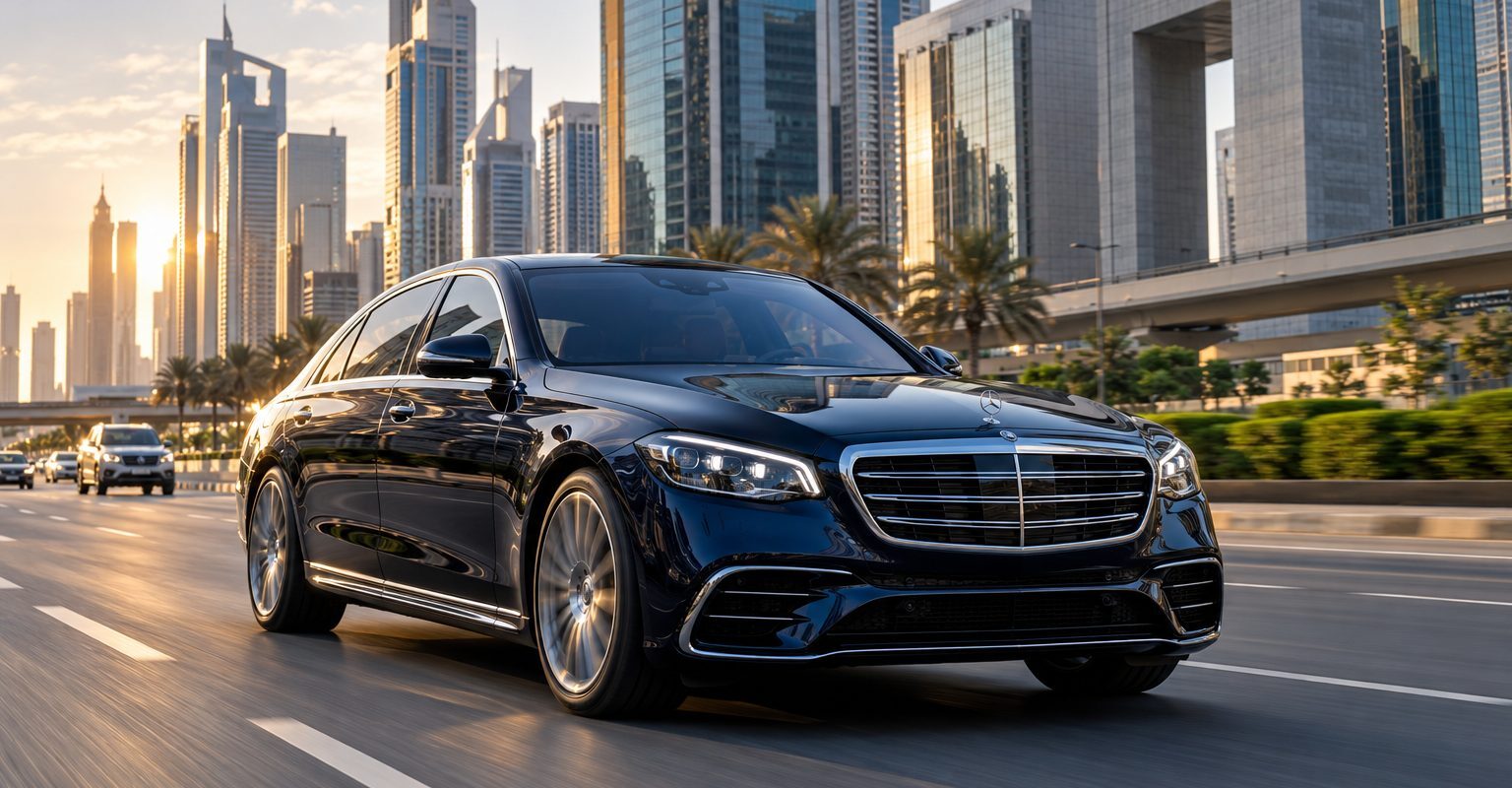
Dubai speed limits vary by road and section, and the listed radar-control speed is not the posted limit. This comparison covers Sheikh Zayed Road, Sheikh Mohammed bin Zayed Road, Emirates Road, Al Khail Road and Dubai–Al Ain Road. Follow the speed signs on the stretch you are using.
Key facts
- As of January 2026, Al Khail Road has a listed posted limit of 100 km/h and radar-control value of 121 km/h in the Dubai Police street-speed list.
- As of January 2026, Sheikh Mohammed bin Zayed Road and Emirates Road each have a listed posted limit of 110 km/h and radar-control value of 131 km/h, according to Dubai Police’s official road entries.
- As of January 2026, Sheikh Zayed Road and Dubai–Al Ain Road each list posted limits of 100 / 120 km/h, paired with radar-control values of 121 / 141 km/h, in the Dubai Police speed table.
What are the Dubai speed limits on these five roads?
The table separates posted limits from listed radar-control values. These are different categories, so you should not use the enforcement column as your driving-speed target.
As of January 2026, the following posted speeds and radar-control values appear in the Dubai Police Street Speed Limits page, updated January 4, 2026.
| Road | E-road number | Posted limit, km/h | Listed radar-control value, km/h | How to read the entry |
|---|---|---|---|---|
| Sheikh Zayed Road | E11 | 100 / 120 | 121 / 141 | Section-dependent: the lower posted value pairs with the lower radar value. |
| Sheikh Mohammed bin Zayed Road | E311 | 110 | 131 | Use the signs for your current stretch. |
| Emirates Road | E611 | 110 | 131 | Distinct from Sheikh Mohammed bin Zayed Road. |
| Al Khail Road | E44 | 100 | 121 | Do not treat the radar value as the posted limit. |
| Dubai–Al Ain Road | E66 | 100 / 120 | 121 / 141 | Section-dependent: the higher posted value pairs with the higher radar value. |
This is an editorial shortlist, not an official Dubai Police category called “five roads.” Also, paired values do not mean you can choose either speed. They represent different listed stretches.
What is the speed limit on Sheikh Zayed Road in Dubai?
The Sheikh Zayed Road speed limit is section-dependent. Dubai Police lists more than one posted limit, so a whole-road summary cannot tell you which applies at your location.
For example, knowing the road name alone does not identify the relevant entry in the paired values. Instead, read the speed sign on your stretch and check again when you see a change.
The official summary supplied for this comparison does not identify the exact transition points. Therefore, this guide does not assign either listed limit to a particular interchange, landmark or district.
What is the speed limit on Sheikh Mohammed bin Zayed Road?
The Dubai E311 speed limit appears as a single posted value in the comparison table. However, that road-level entry does not remove the need to watch for signs along your journey.
Sheikh Mohammed bin Zayed Road and Emirates Road are separate highways. Because their names can be confused in conversation, check the road number as well as the name when planning your route.
Also, use a current official source rather than treating an older news announcement as a permanent record. Rules change, and historical announcements describe conditions at their publication date.
What is the speed limit on Emirates Road in Dubai?
Emirates Road has its own Dubai Police entry, separate from Sheikh Mohammed bin Zayed Road. Although their listed speeds match in this source, the roads are not interchangeable.
When checking directions, match the road name to its E-road number in the table. This helps you avoid applying information about one highway to another.
Similarly, keep this comparison within Dubai. It is not a statement about every section of a route beyond the emirate.
What is the speed limit on Al Khail Road?
Al Khail Road has a single posted-limit entry in the Dubai Police table used here. Its radar-control entry is a separate enforcement figure, not an alternative speed limit.
Therefore, do not infer the permitted speed from how fast surrounding vehicles are moving. Use the posted sign instead, even when traffic is light or the carriageway feels wide.
What is the speed limit on Dubai–Al Ain Road?
Dubai–Al Ain Road has different listed posted limits for different stretches. Each posted value pairs with the corresponding radar-control value shown in the table.
However, the paired entry does not establish a single limit for the entire journey. Check the signs as you progress rather than carrying one speed assumption from the start of your trip.
Is the radar-control speed the same as the posted speed limit?
No. Dubai radar-control speeds are enforcement information, while posted limits tell you the maximum speed shown for the road section.
Do not describe the difference as permission to exceed the sign. Likewise, a listed radar-control value does not guarantee that every driver, vehicle or situation will receive identical enforcement treatment.
Instead, keep the two columns separate when sharing this information. If someone asks for a road’s speed limit, give the posted limit first and explain any section-dependent values.
How should you check the correct limit before driving?
Identify the road before departure, then use roadside signs to confirm the limit while travelling. If you need to review a source on your phone, do so before setting off or after parking safely.
- Match your route’s road name to the E-road number.
- Review the posted-limit column rather than the radar-control column.
- Read the speed sign for the stretch you enter.
- Watch for temporary restrictions or changed speed signs.
- Treat radar-control information as enforcement context, not a target speed.
For parking at your destination, the sign next to the bay is the final word. Road-speed information does not establish parking permissions.
Where can UAE Parking help after your drive?
UAE Parking helps with parking preparation rather than choosing your road speed. It is an independent service, not an authority or an affiliate of Dubai Police or the Roads and Transport Authority (RTA).
You can use the Dubai parking city page when planning your stop. The free iPhone and Android app also lets you save your plates, which remain stored on your device only.
Frequently asked questions
Does Sheikh Zayed Road have one speed limit throughout?
No. Dubai Police lists different posted limits for different stretches of Sheikh Zayed Road. Follow the speed sign on the section you are using.
Are Emirates Road and Sheikh Mohammed bin Zayed Road the same road?
No. They are separate highways with separate entries in the Dubai Police list. Match both the road name and its E-road number when checking your route.
Can I drive at the listed radar-control speed?
The radar-control value is not permission to exceed the posted limit. Use the posted speed sign to guide your driving, not the enforcement figure.
Does this comparison identify where each speed limit changes?
No. The source information used here gives paired values for some roads but does not establish their exact transition points. Check the signs on your current stretch.
Bottom line
Use the posted-limit column to understand the official road summary, then check the signs during your journey. Keep radar-control values separate from driving advice. For parking preparation at your destination, you can download the free UAE Parking app for iPhone or Android.