Dubai parking SMS format for Abu Dhabi cars in 2026
Dubai parking SMS format for Abu Dhabi cars: get the correct plate prefix, spacing, recipient and confirmation checks before you leave your car.
- 8 min read
The Dubai parking SMS format for Abu Dhabi cars is AUH<plate code> <plate number> <Dubai zone code> <hours>. As of February 2024, the Roads and Transport Authority (RTA) handbook example is AUH13 12345 335A 1, sent to 7275. Replace the example details with your own, then wait for successful confirmation.
Key facts
- As of February 2024, Dubai’s parking SMS recipient is 7275, according to the RTA Light Motor Vehicle Handbook.
- As of February 2024, the RTA handbook’s Abu Dhabi example uses AUH13 as the combined emirate prefix and plate code. The code 13 is illustrative, not universal.
- As of October 2026, the RTA Parking Services page lists SMS among its payment channels, alongside WhatsApp, the RTA Dubai app and the Parkin app.
What is the Dubai parking SMS format for an Abu Dhabi plate?
Combine AUH with your Abu Dhabi plate code, then add your plate number, Dubai parking zone and requested hours. Separate those fields with spaces, but keep the emirate prefix and plate code together.
The registration emirate identifies the vehicle. However, the place where you park determines which parking service you must pay.
Use this field-by-field check before sending your Dubai parking message for Abu Dhabi number plate details:
| SMS field | What you enter | Where to check |
|---|---|---|
| Plate identifier | AUH immediately followed by your plate code | Your vehicle registration and plate |
| Plate number | Your vehicle’s actual registration number | Your vehicle registration and plate |
| Parking zone | The code for the Dubai bay you are using | The parking sign serving that bay |
| Duration | Your requested parking duration in hours | Your intended stay and the bay’s restrictions |
Do not copy the sample plate details simply because your car also has an Abu Dhabi registration. Instead, check every vehicle field against your own registration.
Should there be a space between AUH, the plate code and plate number?
There is no space between AUH and the plate code. There is a space after that combined identifier, before the plate number.
Then add a space before the Dubai zone code and another before the requested hours. The angle brackets in the template mark information you must replace; do not type them into your message.
Spacing matters because the message separates the vehicle identifier, registration number, location and duration into distinct fields. Therefore, check the structure as well as the digits.
Also, keep the plate code separate from the plate number when reading your registration. They have different places in the SMS, even though both describe the same vehicle.
What number do I text for Dubai parking with an Abu Dhabi car?
Use Dubai’s parking SMS recipient shown in the quick answer, not the Abu Dhabi parking recipient. An Abu Dhabi registration does not make a Dubai bay part of the Abu Dhabi payment system.
To pay, follow these steps:
- Read the parking sign serving your bay.
- Check your Abu Dhabi plate code and plate number against your registration.
- Compose the message using the template in the quick answer.
- Address the message to Dubai’s parking SMS recipient.
- Send the message.
- Check the reply for successful payment confirmation.
Before you send, check the recipient as carefully as the message itself. A correctly written vehicle identifier cannot fix a message addressed to the wrong parking system.
Where do I find my Dubai parking zone code?
Use the zone code displayed on the parking sign for the bay where your car is standing. Do not reuse a code from another street or an earlier parking session.
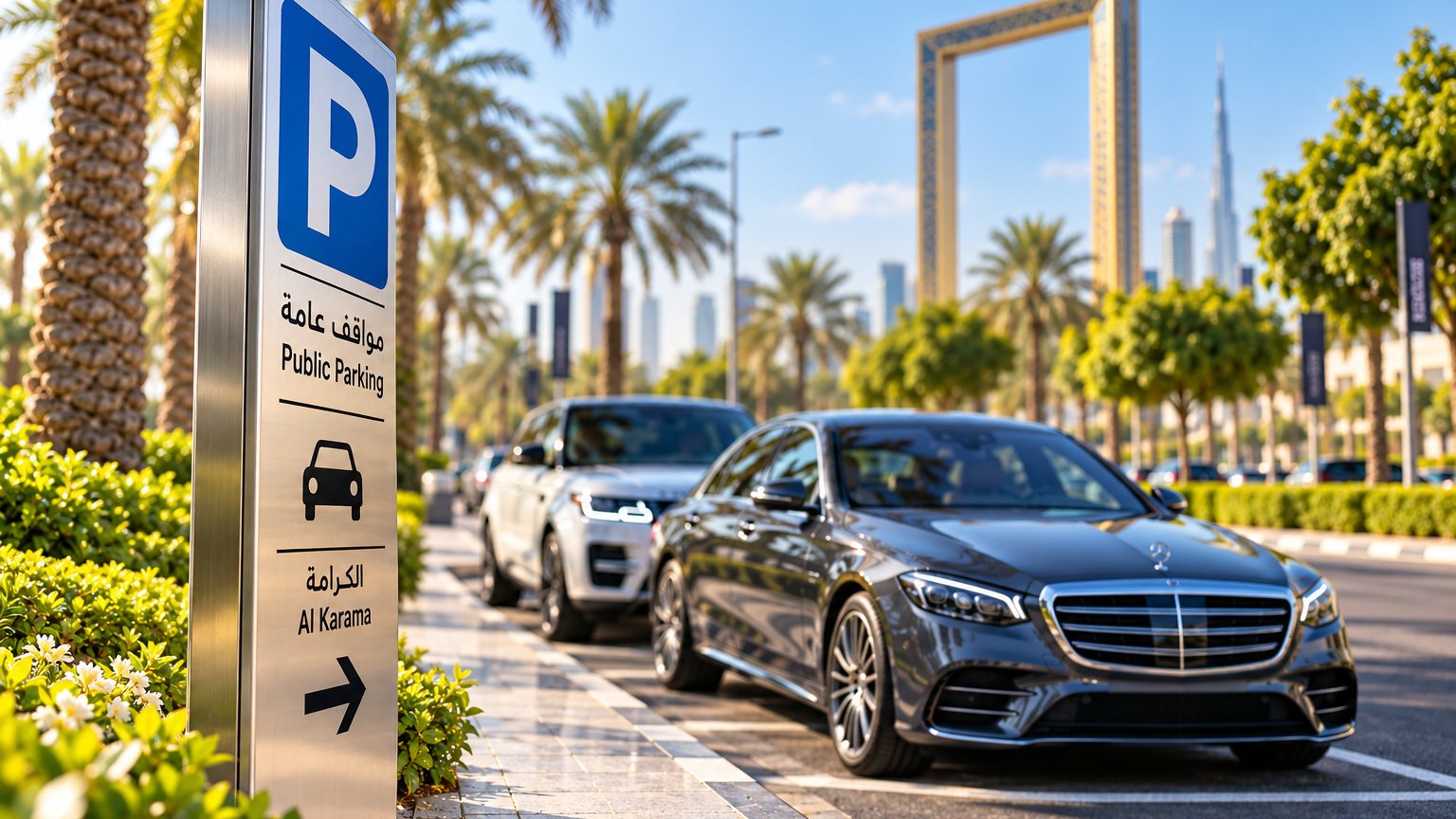
A familiar neighbourhood name is not enough to identify the correct parking zone. Instead, match the sign to the actual row of bays you have chosen.
The sign next to the bay is the final word on the applicable parking conditions. Check it for the zone, payment requirements and any restrictions before composing your SMS.
Also, do not assume this street-parking message applies to every private, barrier-controlled or multi-storey facility. Follow the payment instructions displayed at the facility you enter.
How many hours can I enter in a Dubai parking SMS?
Enter the duration you need, subject to the restrictions for your Dubai parking bay. The worked example demonstrates the message structure; it does not establish a universal maximum stay.
Check the sign before choosing your duration. If the reply rejects your request, read the explanation rather than repeatedly sending the same message.
The SMS format also does not determine the parking price. Charges depend on the applicable zone, duration and tariff conditions, so avoid treating an example message as a price quotation.
For a wider explanation of local parking arrangements, use the sign and the current parking service information together. Rules change, and older handbook tariff or timing information should not override current instructions.
How do I know whether my Dubai parking SMS was successful?
Wait for a successful confirmation before treating your parking session as paid. Sending a message alone does not establish that the parking system accepted it.
When the reply arrives, check that it relates to the vehicle and parking request you intended. If it reports an error, correct the relevant detail before trying again.
If confirmation does not arrive, follow this checklist:
- Check the recipient in your sent message.
- Compare the plate identifier and number with your registration.
- Compare the zone with the sign serving your bay.
- Read any error response for instructions.
- Use another accepted payment channel if SMS payment cannot be confirmed.
RTA lists alternative payment channels, including its own app and the Parkin app. However, follow the chosen service’s instructions rather than assuming an unsuccessful SMS created a paid session.
Is this the same as paying for parking in Abu Dhabi?
No. This process pays for a Dubai parking bay using an Abu Dhabi-registered vehicle; it does not pay for parking in Abu Dhabi.
The distinction is simple: your location selects the parking system, while your registration selects the plate identifier. Therefore, keep the Dubai zone and Dubai recipient when parking in Dubai.
Conversely, do not carry this Dubai message unchanged into an Abu Dhabi parking session. The local payment system requires its own instructions.
Where can UAE Parking help with the message?
UAE Parking builds the parking SMS so you do not have to assemble the format manually. Its Dubai parking SMS builder works in your browser and lists zone rates and operating hours.
You can save your plates in the free iPhone or Android app and select the relevant vehicle when parking. Saved plates stay on your device only.
UAE Parking is independent and is not affiliated with RTA. It does not take or process parking payments; the parking operator charges the parking fee to your mobile account when the SMS is sent.
Frequently asked questions
Can an Abu Dhabi-registered car pay for Dubai parking by SMS?
Yes. Use the Abu Dhabi plate identifier within Dubai’s parking SMS format, together with your plate number, the Dubai bay’s zone code and your requested hours.
Do I put a space after AUH?
No. Join AUH directly to your plate code, then put a space before the plate number. Separate the remaining fields with spaces.
Should I use my plate code or copy the example?
Use the plate code and number shown on your own vehicle registration. The handbook example illustrates the structure, not the details every Abu Dhabi driver should enter.
Does sending the parking SMS mean I have paid?
No. Wait for a successful confirmation before treating the session as paid. If payment fails, check the message fields and use another accepted payment channel if necessary.
Bottom line
For an Abu Dhabi car parked in Dubai, combine the Abu Dhabi plate identifier with the actual Dubai zone and send it to Dubai’s parking SMS service. Then check the confirmation. If you prefer help assembling the message, download the free UAE Parking app for iPhone or Android.